Reducing Lag in ScanLab

By
Amanda T.
19 Jun 2024
Clinicians gathered around a workstation in a CT training room

Some ScanLab users have noticed a lag when prescribing and manipulating slices within the app. This fix will help adjust your google chrome settings so that you can have a better user experience within ScanLabMR and ScanLabCT. Here’s how.

Addressing the ScanLAG PDF

1.Select the icon with the 3 vertical dots:

2. Select “Settings” within the dropdown menu:
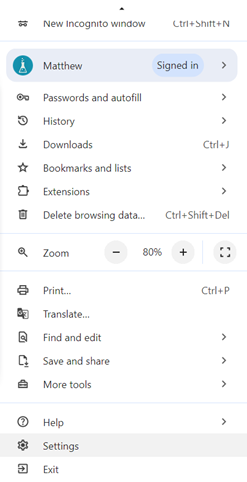
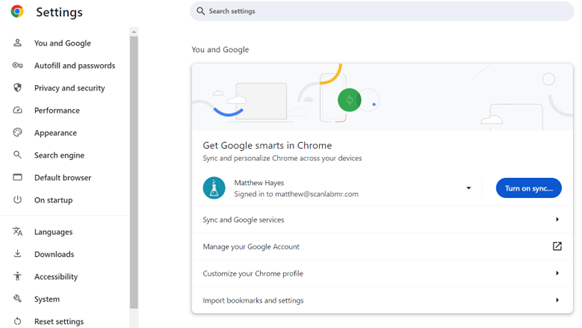
3. Select the “System” option with the wrench icon in the settings area.
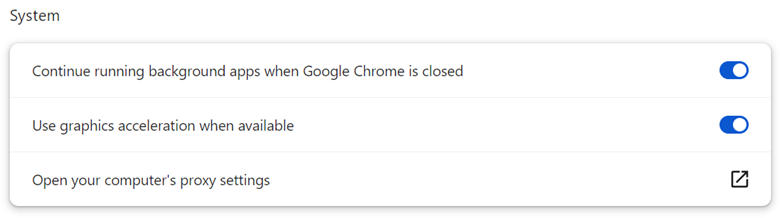
4. Find the setting labelled “Use graphics acceleration when available” and de-select that option.
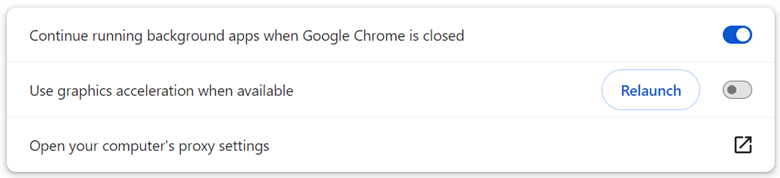
5. After deselecting the setting, relaunch the browser.
Recent Posts
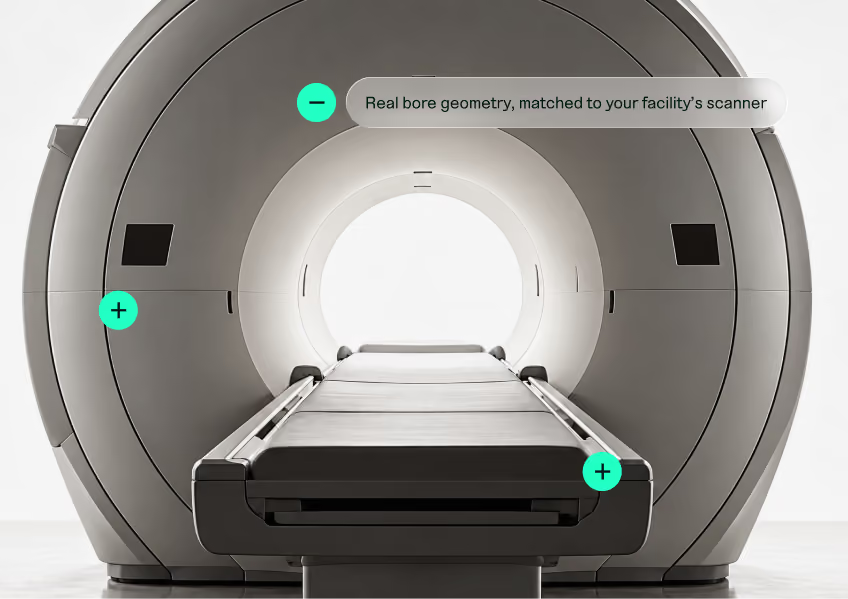
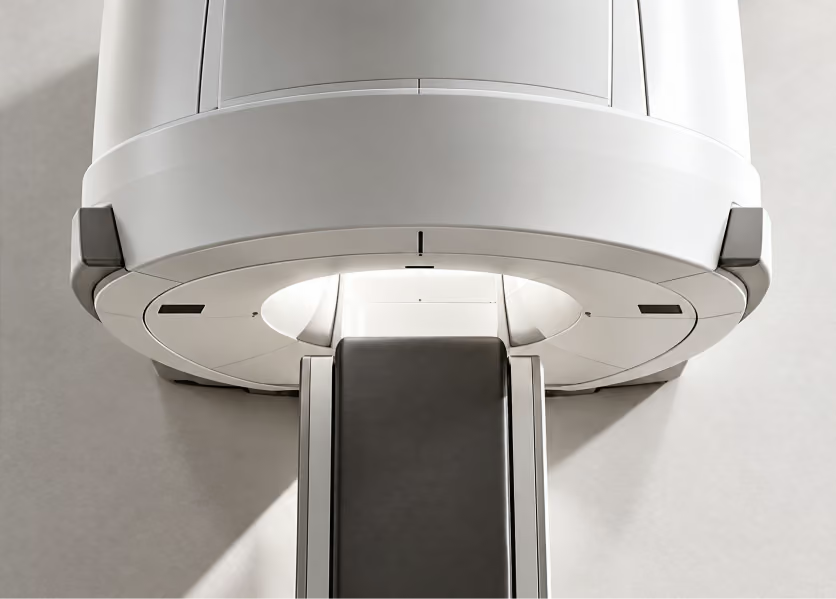
What is an MRI Simulator?
[ News ]
Nov 14, 2023

What is an MRI Simulator?

What is an MRI Simulator?
ARMRIT Accepts ScanLabMR Simulator Studies as Part of Required Clinical Hours for MRI Technologist Certification
[ News ]
Nov 14, 2023

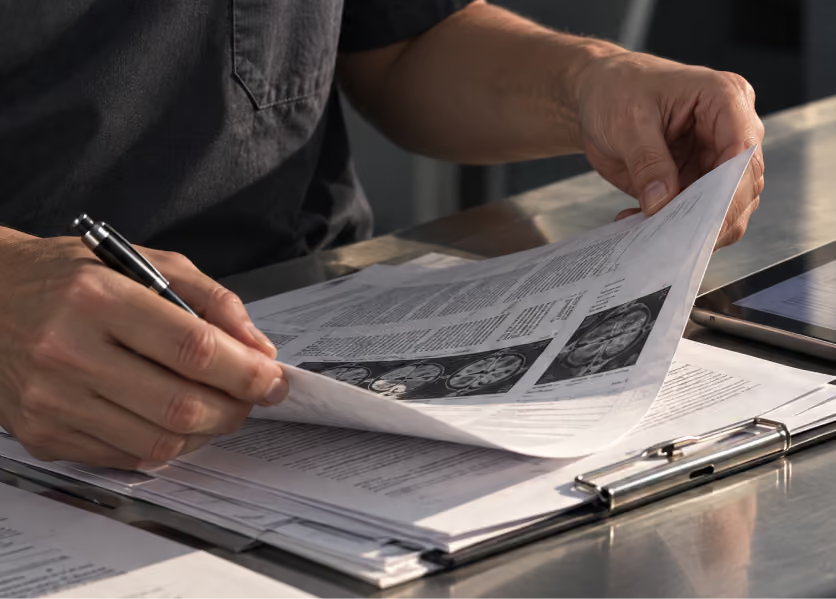
ARMRIT Accepts ScanLabMR Simulator Studies as Part of Required Clinical Hours for MRI Technologist Certification

ARMRIT Accepts ScanLabMR Simulator Studies as Part of Required Clinical Hours for MRI Technologist Certification
Akumin & Alliance Healthcare Recovers Nearly $900k in Revenue by Reducing MRI Tech Cross-Training Duration with ScanLabMR
[ News ]
Dec 4, 2023

Akumin & Alliance Healthcare Recovers Nearly $900k in Revenue by Reducing MRI Tech Cross-Training Duration with ScanLabMR

Akumin & Alliance Healthcare Recovers Nearly $900k in Revenue by Reducing MRI Tech Cross-Training Duration with ScanLabMR

Ready to level up your imaging services?

Request a Demo